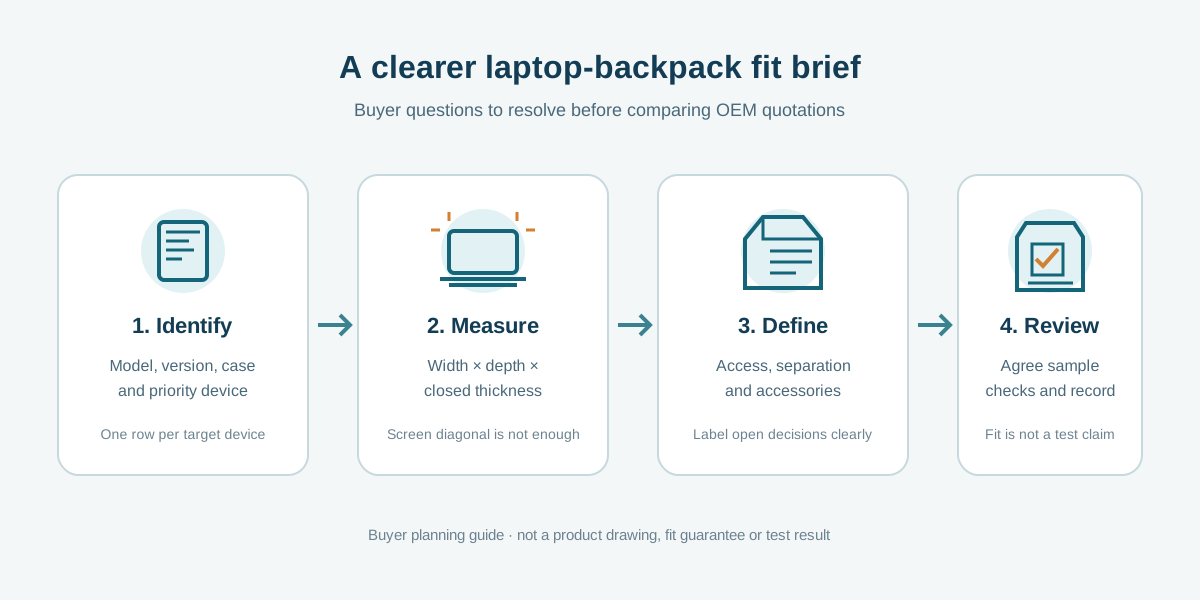
A laptop backpack brief becomes much easier to quote when “fits a 15-inch laptop” is replaced by a real device reference, measured dimensions and a sample-check plan. This buyer guide helps brands, retailers and sourcing teams define what a laptop compartment must do before comparing OEM proposals.
Use the checklist for a new private-label design or a catalogue reference. It is a planning tool—not a claim that a particular YUEHU style fits a device, protects it to a tested level, or includes a specific accessory. Confirm fit, construction and commercial terms against the actual version and sample for your project.
Prepared by YUEHU Buying Guides as a buyer-side sourcing worksheet. The recommendations below are questions to resolve with a supplier, not a description of a verified YUEHU testing or production process.
Why a screen-size label is not a complete fit specification
Screen size is measured diagonally across the display; a bag compartment surrounds the device's outer body. Two computers with similar screen labels can differ in width, depth, thickness, corner shape and how far the hinge or feet project. A protective sleeve or case adds still more bulk. Therefore, use the exact device model or outer dimensions as the starting reference, then confirm fit with a representative device or a dimensionally accurate sample.
Manufacturer specifications illustrate the distinction: Apple's technical page for one 13-inch MacBook Air describes a 13.6-inch diagonal display and separately lists the computer's body as 30.41 × 21.5 × 1.13 cm. The numbers apply only to that named model; do not copy them as a universal “13-inch laptop” size. Ask buyers to provide dimensions from the actual target device's manufacturer specification or measure the device they intend to carry.
If your range targets multiple laptop models, list the priority models separately. A broad phrase such as “fits most laptops” leaves the supplier and buyer with different assumptions and is difficult to validate on a sample.
1. Identify the device and what goes inside with it
Record the device brand, model, generation if known, and its outer width, depth and closed thickness. State whether those measurements describe the bare computer or a device inside a protective case. If there are several target devices, label one as the primary reference and the others as additional fit checks.
Next list the contents that will share the compartment or adjacent pockets: charger, cable, mouse, documents, tablet or other accessories. Do not assume that a sleeve's nominal size also describes the usable capacity of the whole bag. The way a user inserts the computer, the fabric and padding build, seams, lining, closures and nearby pockets can all affect the available space and access.
For a catalogue style, send the exact product link and identify the version shown. For a new design, mark the requested dimensions as confirmed, estimated or open for proposal. This is more useful than presenting an early concept as a final specification.
2. Describe the compartment by function
Explain what the laptop section should do for the user, not just how many pockets the bag should have. Consider whether the device should enter from the top or side, whether the sleeve should be separate from the main compartment, and whether the user needs to reach another item without removing the laptop. These are design choices to compare, not features to assume.
Write down the points the buyer wants to review:
- Opening and access: Where does the user insert and remove the device? Can the opening be used comfortably with the intended bag orientation?
- Position and separation: Is the device held in a dedicated sleeve, against a panel, or in another agreed arrangement? What items may share that space?
- Closure and retention: Which zipper, flap, strap or other detail keeps the device in the intended position? Ask the supplier to identify the proposed construction.
- Padding and contact areas: Where is cushioning requested, and which surfaces or edges matter to the buyer? Ask what the sample can demonstrate; do not translate “padded” into an unverified protection promise.
- Organisation: Which accessories need a separate place, and should the pocket remain accessible when the laptop is inside?
If water resistance, impact protection or another performance outcome matters, write it as a requirement to define and verify. Ask what test method, threshold, sample condition and evidence would be applicable before making a marketing claim. A visual feature description alone does not establish a measured level of protection.
3. Agree how the sample fit will be reviewed
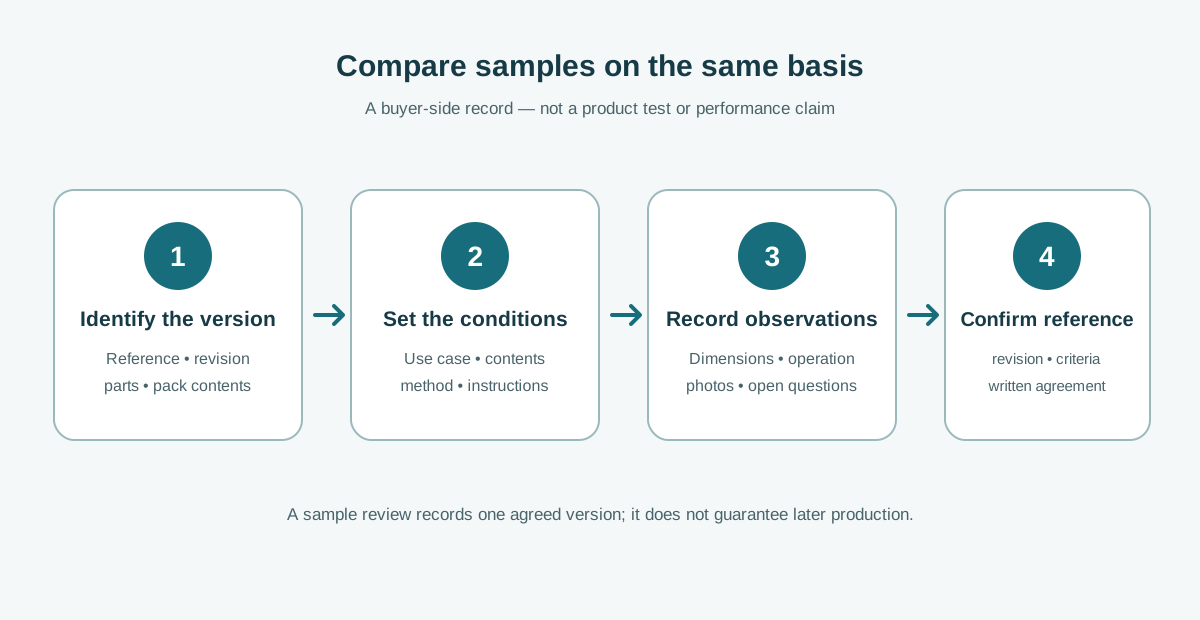
Before a sample is made or selected, agree which device or reference object will be used. A buyer can send the real device, use a dummy with matching outer dimensions, or review against a dimensioned sample plan; decide the method with the supplier and document what the result does and does not prove.
During review, check the complete use sequence rather than a single “it fits” moment:
- Insert and remove the target device in the intended direction.
- Close the compartment without forcing the zipper or pressing on the device.
- Check whether the computer moves, catches on seams or contacts hardware in a way the buyer did not intend.
- Place the agreed accessories in their intended pockets and repeat the closure check.
- Carry the bag in the intended orientation and confirm that access and organisation still make sense.
- Record the device/reference used, sample version, observations, open issues and any changes requested.
These are practical buyer observations, not a universal laboratory protocol. If a formal performance test is required, define it separately with the responsible parties and a suitable method. A fit check on one device does not prove compatibility with every computer sharing the same screen-size label.
4. Keep the quote tied to one version
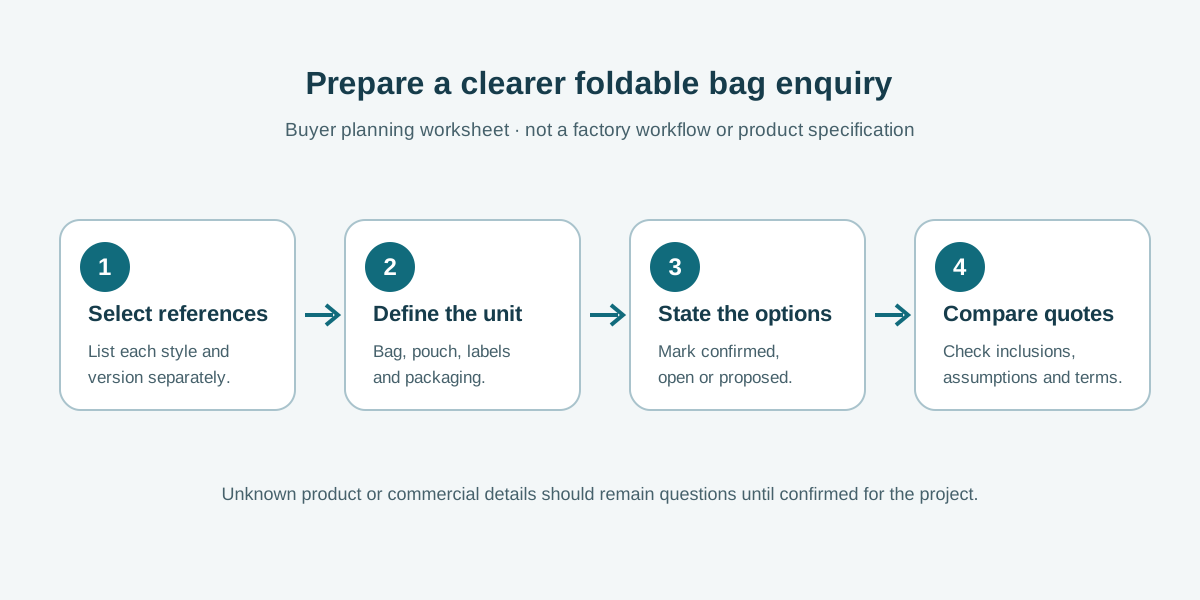
Ask every supplier to quote against the same device reference, compartment concept, materials assumptions, accessory list and packaging scope. Request that the response identify the exact version quoted and call out any proposed substitutions or unresolved dimensions. If the supplier recommends a different construction, compare it as a separate option rather than silently blending it into the original request.
For a commercial comparison, also record currency, quantity scenario, inclusions, exclusions, sample arrangement, quote validity and delivery basis. These details are project-specific; this guide sets no standard minimum order, price, sample charge or lead time. Keep provisional quantities clearly labelled as estimates until the buyer is ready to confirm them.
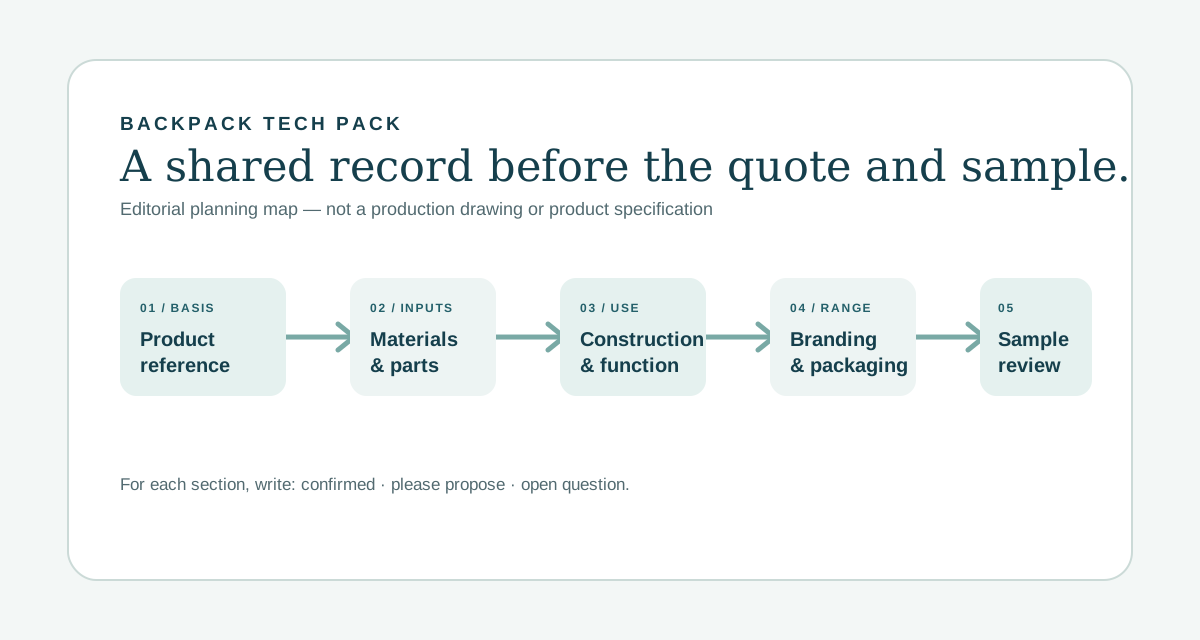
The custom backpack RFQ template helps organise comparable supplier questions. The broader backpack Tech Pack checklist is useful when a selected version needs dimensions, materials, construction, branding and change control recorded in greater detail. They complement this device-fit brief; they do not replace sample approval.
Copyable laptop-backpack fit brief
Use this short worksheet in an email or project document. It is also available as a downloadable laptop-backpack device-fit brief (TXT).
Project / buyer: [ ]
Product link or style reference: [ ]
Target laptop brand, model and generation: [ ]
Outer device dimensions (W × D × closed thickness): [ ]
Measurements are for: [bare device / device in case / other]
Priority devices if more than one: [ ]
Accessories sharing or adjacent to the sleeve: [ ]
Preferred insertion direction and access: [ ]
Requested separation, padding or retention details: [please propose / confirmed requirement]
Sample-fit method and reference device: [ ]
Sample observations to record: [insert / close / movement / access / accessories]
Unresolved requirements: [ ]
Please identify in the quotation: [version, scope, assumptions, exclusions, sample arrangement and commercial terms]
Common questions
Can I specify only “fits a 15-inch laptop”?
Use that phrase as a search or range label if useful, but not as the sole fit specification. Add a device model or outer dimensions, clarify whether a case is included, and agree how the sample will be checked.
What if the buyer has several laptop models?
List each priority model and dimension separately. Ask the supplier whether one proposed sleeve can be reviewed against all of them, and record the result for each device rather than assuming one check covers the range.
Does a successful fit check prove impact protection?
No. A fit review checks the agreed physical-use questions. A protection claim needs its own defined requirement and supporting evidence; do not infer a test result from appearance or padding alone.
How do I discuss an existing YUEHU laptop backpack?
Use the public KB657 business travel laptop backpack page as a catalogue reference, then state which device and version you want to discuss. Its published product description is not a guarantee that a particular laptop model fits. Confirm dimensions, fit and commercial terms for your project.
Sources and use
Device-size example: Apple, MacBook Air (13-inch, M3, 2024) technical specifications, which separately lists diagonal display size and computer body dimensions. Always use the current specification for the actual device selected by the buyer.
This buyer worksheet is for organising a supplier conversation. It is not a bag test standard, compatibility certification, factory audit, quotation or proof of a particular YUEHU capability. Confirm the product version, sample result and commercial terms directly for each project. For a sourcing conversation, share the device model, dimensions and intended accessories through the YUEHU enquiry form.
Leave a Comment